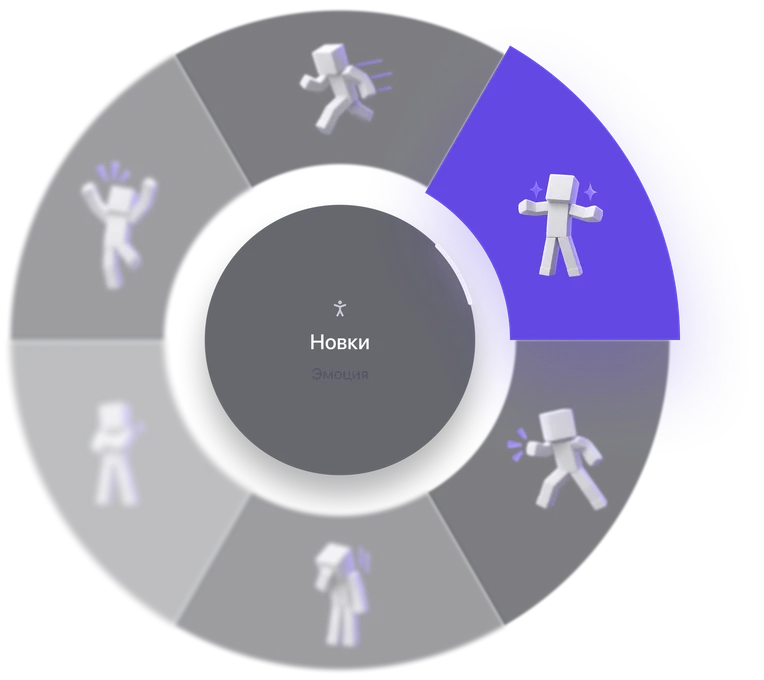









Emotes
Express yourself with emotes and bright effects. Interact with other players right in the game.
 Pulse Mode
Installation takes a couple of minutes.
Minecraft Java Edition 1.21.4, 1.21.11 and 1.16.5 is supported.
Fabric Loader is also required for installation.
We’re working on a new feature. It will arrive in one of the upcoming updates.
Emotes, cosmetics, graffiti and phrases. Pulse Free gets new features regularly.
Emotes
Express yourself with emotes and bright effects. Interact with other players right in the game.
Cosmetics
Customize your profile and stand out from other players. Capes, accessories and visual elements.
Graffiti
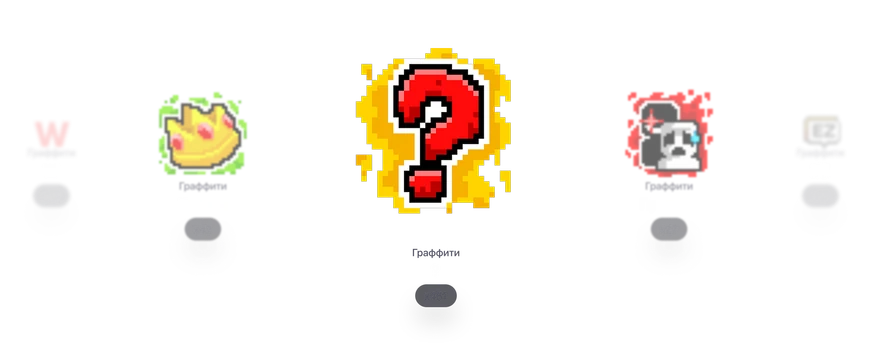
Decorate the game world with graffiti and bright effects. Leave your marks, express emotions and highlight places together with other players.
Soon
A new feature is already in development.
Phrases
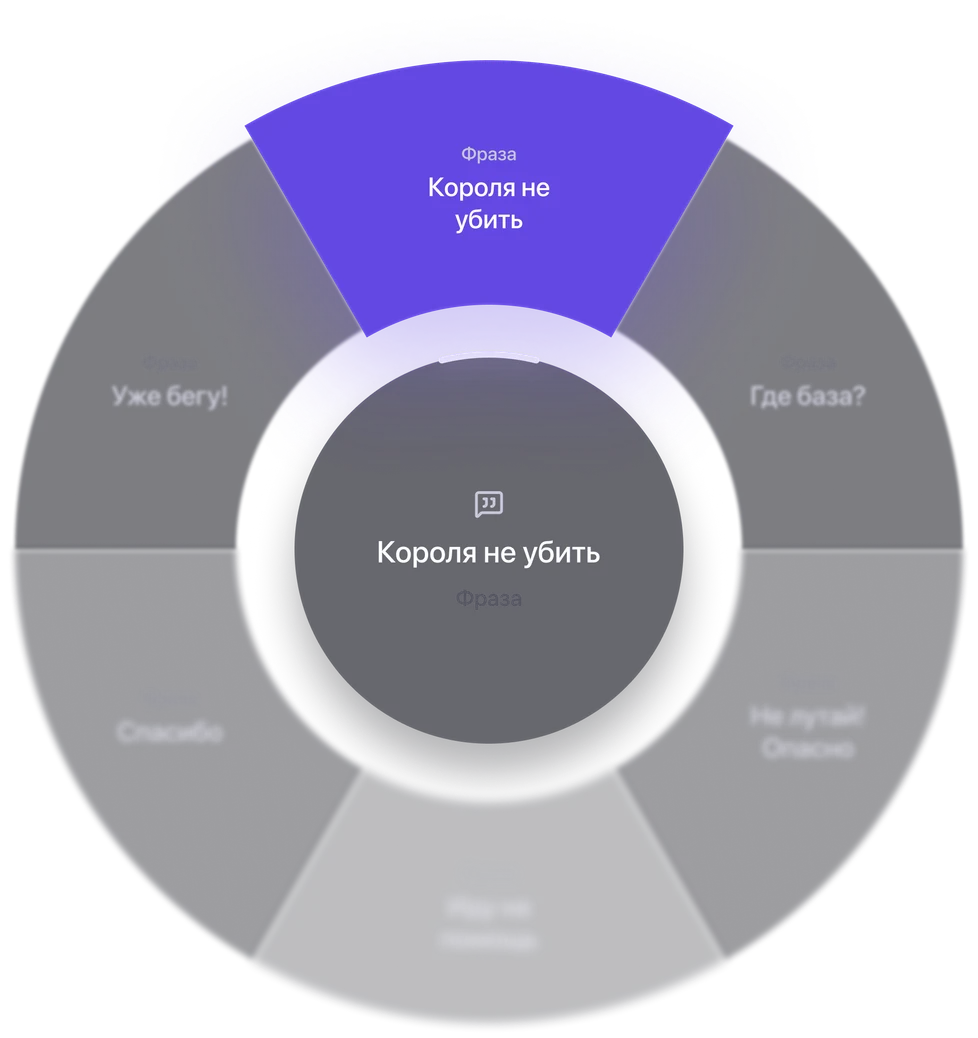
Quick phrases and Pulse Mode. Chat with friends easily. Send ready-made messages with one click.
Download the mod
Click “Download free Pulse”, choose the game version and answer the question about Fabric API. A .jar file will arrive — that is the mod itself, no need to unpack it.
Open the Minecraft folder
Press Win + R and paste:
and press Enter.
Find the mods folder
Open the mods folder.
If it doesn't exist, create a new folder and name it mods.
Move the mod
Move the downloaded mod file into the mods folder. Put Fabric API there too — the game won't launch without it. If you downloaded an archive, move both files from it into mods.
Important: do not unpack the .jar file. It must be kept in its original form.
Launch Minecraft
Launch Minecraft through the Fabric profile of the version you downloaded the mod for.
Frequently asked questions and their answers.

Three things, all free:
Fabric API is often forgotten, and the game won't launch without it. If you don't have it, choose “No or I don't know” in the download window — the mod will come as an archive with it.
The mod contains only cosmetics: no modules, visuals or gameplay features. Everything else remains in the paid client.