


Launcher download
The only official download point for the Pulse Visuals client.
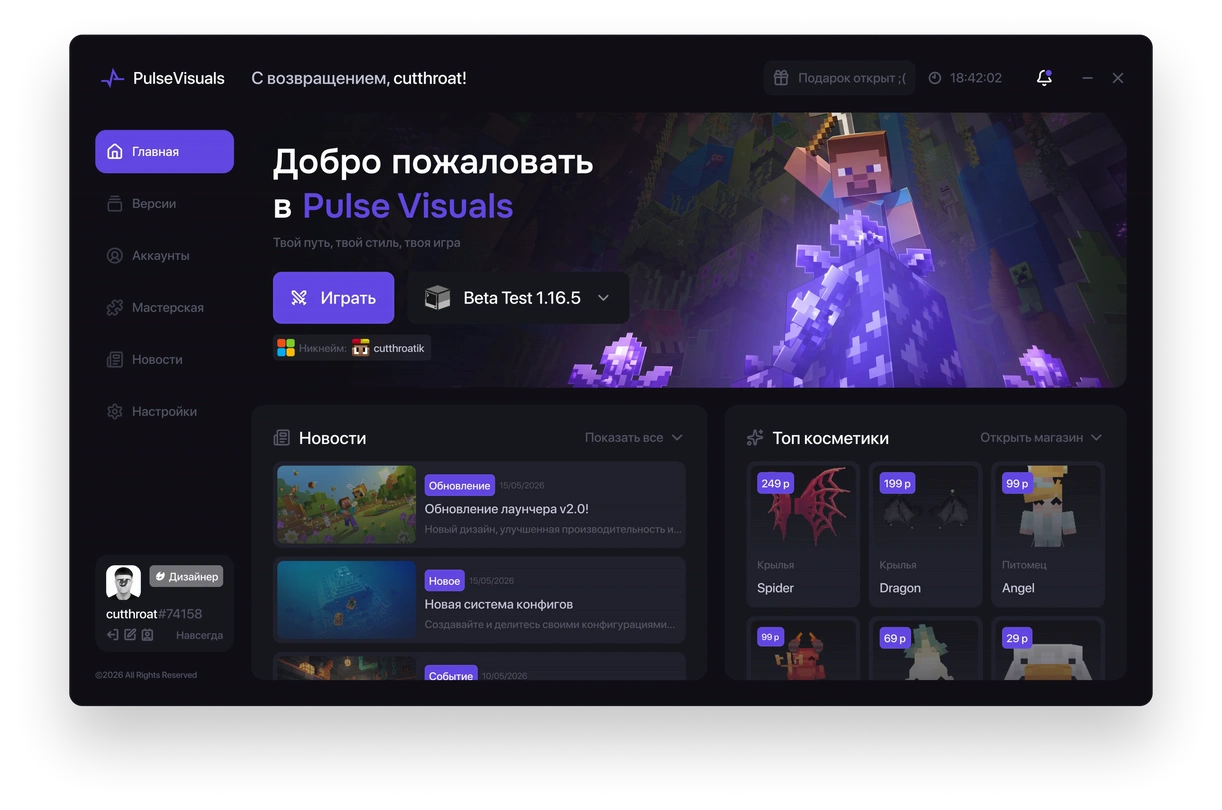
Pulse Launcher
WindowsStart the game in one click. The launcher automatically updates the client, checks file integrity and saves your settings.
 Sign in and download
The launcher is available to holders of an active Pulse subscription.
Version
1.9.9
Size
7 MB
Update
07/29/2026
System requirements
Minimum
Recommended

Operating system
Windows 10 / 11 (64-bit)
Windows 10 / 11 (64-bit)
CPU
Intel Core i3-3210 / AMD A8-7600
Intel Core i5-4690 / AMD A10-7800
RAM
4 GB
8 GB
Graphics card
Intel HD 4000 / AMD Radeon R5
NVIDIA GeForce 700 / AMD Radeon RX 200
Free space
8 GB on disk
12 GB on disk
Internet connection
Stable connection
Stable high-speed connection
Additional
-
SSD drive for better performance

FAQ
Pulse Launcher is an independent application, so some browsers and Windows SmartScreen may show a standard security warning. This is normal behavior for new executable files. Download the launcher only from the official Pulse Visuals website.
By default, the file is saved to the Downloads folder. If you changed the save folder in your browser, the launcher will be in the directory you selected.
No. Pulse Launcher downloads and uses the required version of Java on its own. No extra installation or setup is needed.
All updates happen automatically when the launcher starts. If a new version of the client or the launcher itself is available, it will be installed before the game starts, without any action from the user.
Try doing a few simple steps:
- Run the launcher as administrator.
- Make sure your antivirus has not blocked the file.
- Check your internet connection.
- Download the latest version of the launcher from the official website.
- If the problem persists, contact Pulse Visuals technical support.